LayoutEditor

MEMS and photomask layout

Comb drives, membranes, coils, microfluidic channels and test structures are rarely made of rectangles. The LayoutEditor draws any angle, circles, arcs and curved paths as naturally as boxes, and writes them to GDSII, DXF or Gerber for the mask shop.

It is used for MEMS, sensors, MCM, COB, LTCC, MMIC, thin and thick film, and every other process that starts with a photomask. The free edition is enough to draw a mask and order it through the photomask service.

Download Handbook

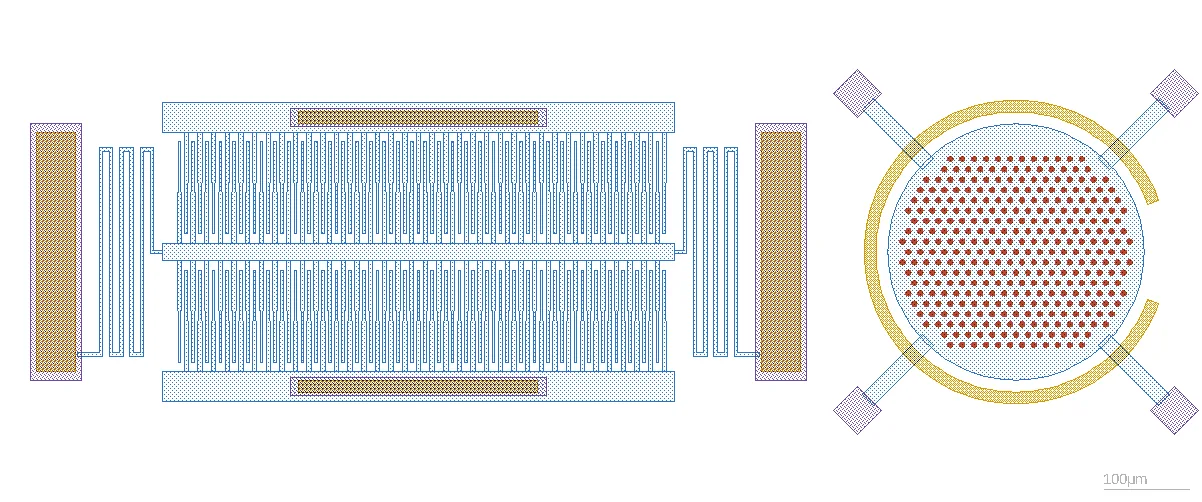
MEMS comb drive with folded springs next to a round membrane with release holes and an arc electrode, drawn in the LayoutEditor

Every angle, every curve

Shapes are not snapped to 45 degrees. Tapered fingers, diagonal tethers, arcs, rounded boxes and spirals are ordinary shapes that can be moved, resized and combined like any rectangle. Boolean operations merge, subtract and size layers of any shape, so release holes, keep-out zones and offsets follow the curve.

The design rule checker works on the same all-angle geometry. Width, spacing, enclosure and density checks are not limited to integrated circuit rules, and no foundry rule deck is needed to check your own design rules.
Circles and arcs Design rule checker

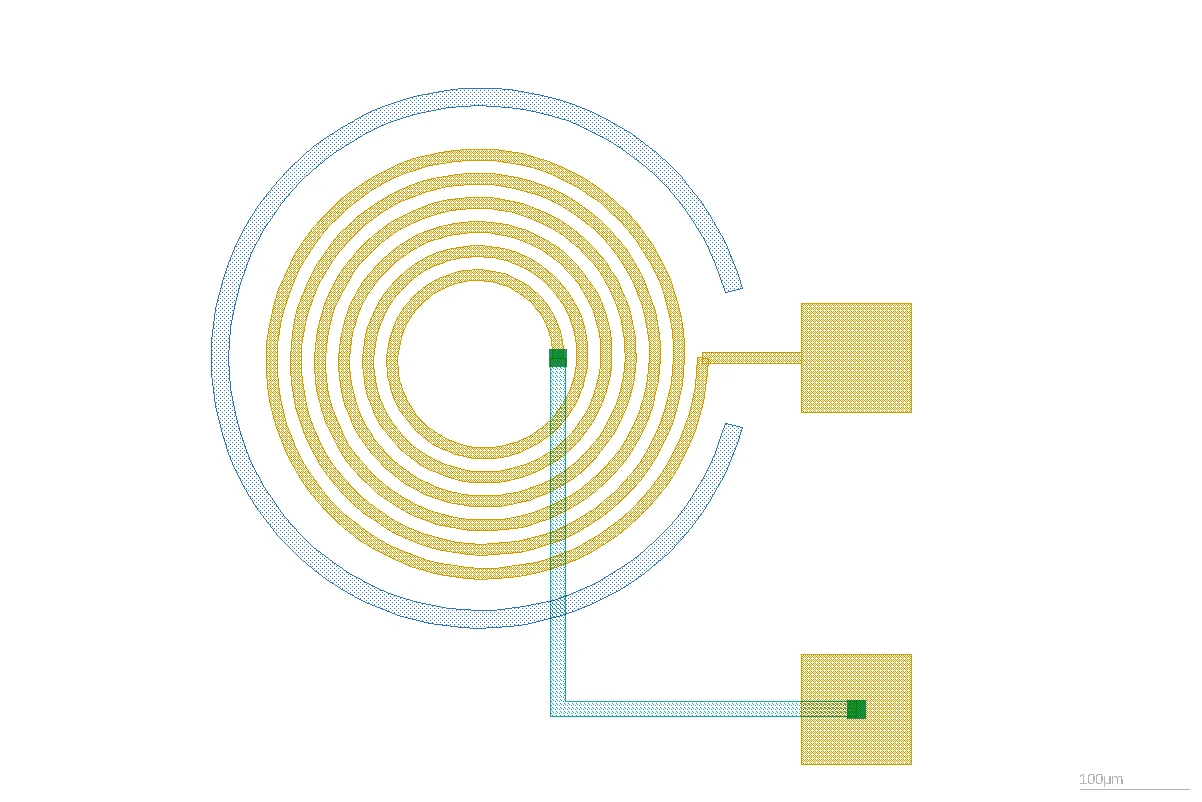
Planar spiral coil with bond pads, via and underpass, drawn as curved paths

Mask ready

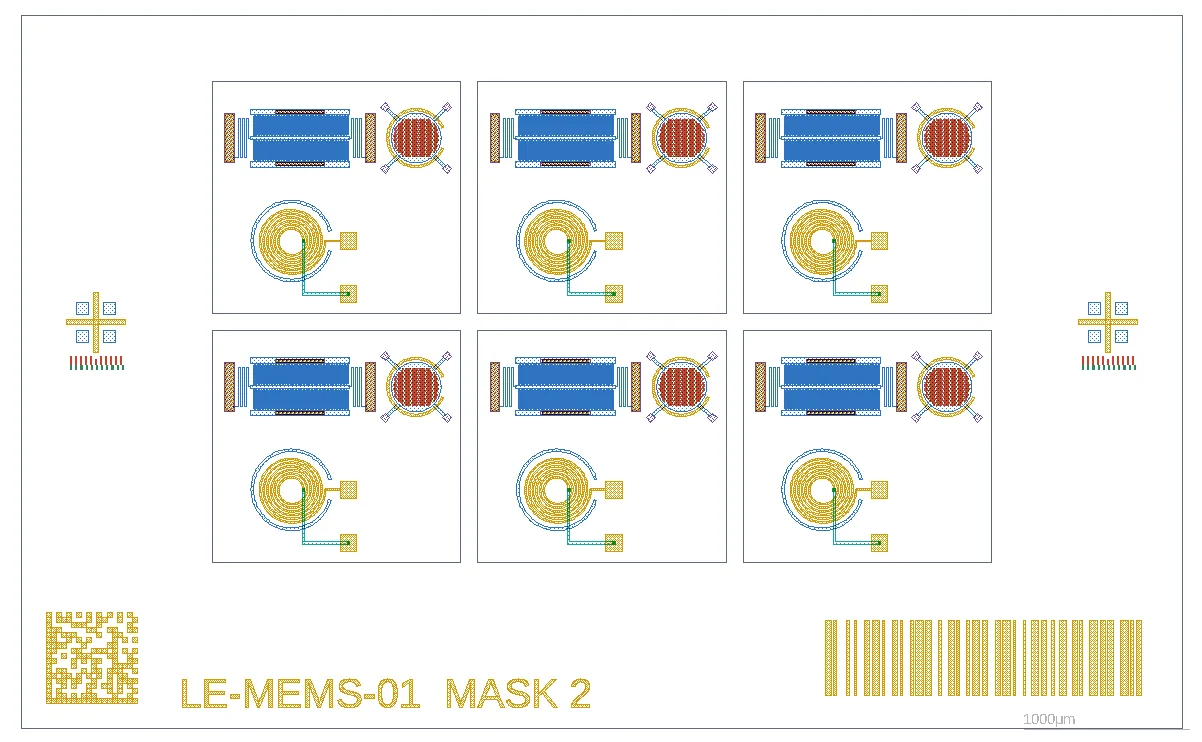
A mask field is built from cells and arrays: dies, alignment marks, verniers and labels. Barcodes and DataMatrix codes are generated on a layer, and text can be converted into polygons so it is printed on the mask. Background images help to trace an existing drawing or a photograph.

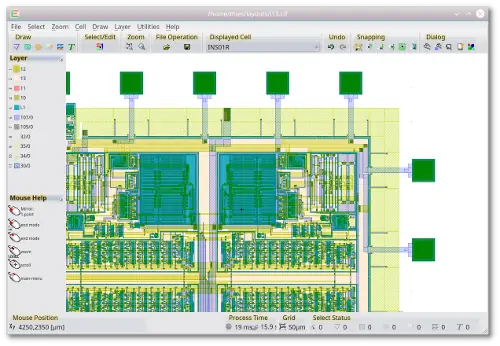
GDSII is the native format. DXF and DWG from mechanical CAD, Gerber, CIF, OASIS and SVG open in the same editor, so a mask can combine a chip layout with a drawing from the mechanical designer.

Barcodes DXF All formats

Mask field with six dies, alignment marks with verniers, a DataMatrix code, a barcode and a mask label as polygons

See the device in 3D

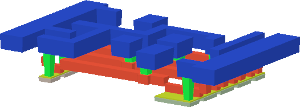
The 3D editor builds a model from the 2D layout. A process list runs steps such as extrude, etch, deposit, fill and planarize, and a section shows the inside of the stack. The model is exported as STEP, 3MF, STL and other formats for CAD or FEM.

Coils and conductors can be extracted: inductance and resistance with FastHenry, capacitance with FastCap. Both programs are part of the package.

3D editor Inductance extraction

3D view of a layout in the LayoutEditor

From the design to the photomask

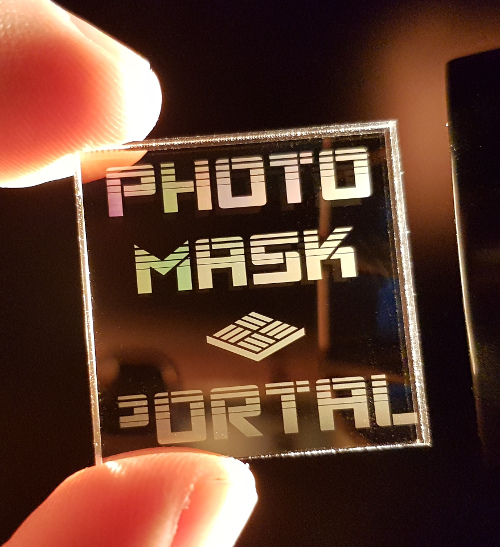
Once the design is finished, the built-in photomask service sends it to photomask production around the world. The service is available in every edition, including the free one.

Photomask service Get photomasks

photomask

Which edition

The free edition contains all features of the full edition. Export to some file formats is limited to small designs; larger designs can be exported through the cloud service for a fee. The AI console can be used with a limited number of requests. The reduced edition is a perpetual license for manual editing without the export limit. The full edition adds macros and scripting, AI support, the 3D viewer and the design rule checker. Prices are on the homepage.

Download

LayoutEditor Download

View all LayoutEditor packages

gds viewer